
Silence of the Clicks: A Love Letter to the Logitech MX Master 3S
Find about how Logitech somehow made the MX Master series even better than before
TECH
1/8/20251 min read
The Fidget Spinner That Pays Your Bills
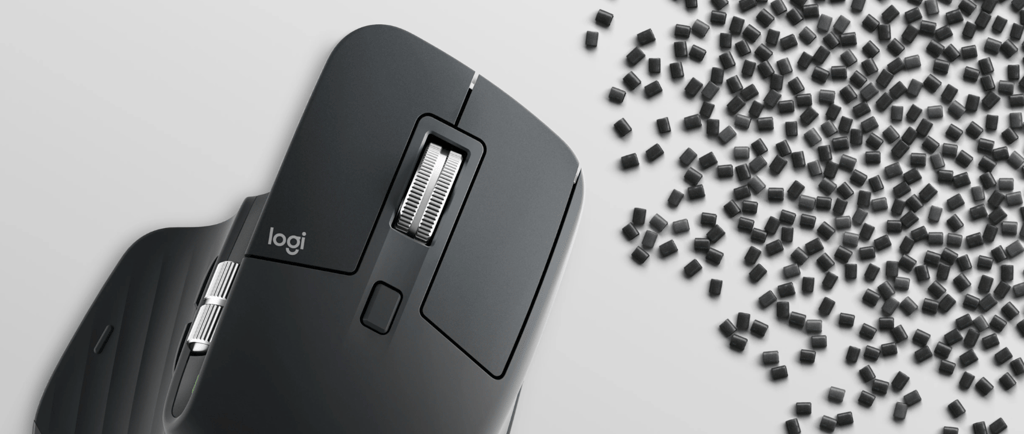
Let’s be honest: the Logitech MX Master 3S isn’t just a mouse; it’s a productivity cheat code disguised as a piece of office equipment. First off, we have to talk about the MagSpeed scroll wheel. This thing is electromagnetic wizardry that lets you scroll 1,000 lines per second. It’s basically the fidget spinner for adults who have spreadsheets to conquer. You can flick it to zoom through documents at the speed of light, or toggle it to ratchet mode for that satisfying click-click-click precision. Plus, the ergonomic shape is designed to hold your hand in a "natural handshake" position, which is great because after buying this, it’s the only handshake you’ll need to seal the deal on saving your wrist from carpal tunnel. It tracks on glass, wood, and probably even your cat (though we don't recommend testing that), thanks to the absurd 8,000 DPI sensor.
Ninja-Quiet Clicks and Hacker-Level Multi-Tasking
The biggest upgrade with the 3S is the "Quiet Clicks" feature, which reduces noise by 90%. This means you can rage-click through a frustrating website or sneak in a game of Solitaire during a Zoom meeting, and your coworkers will be none the wiser. It’s perfect for late-night work sessions where you don't want to sound like a construction site. But the real party trick is Logitech Flow. This software lets you control multiple computers—even a Mac and a PC simultaneously—just by moving your cursor to the edge of the screen. You can literally copy text on one computer and paste it on another like you’re in a 90s hacker movie hacking the mainframe. Combine that with a battery life that lasts up to 70 days (seriously, you’ll lose the charging cable before this thing dies), and you’ve got a mouse that works harder than you do.